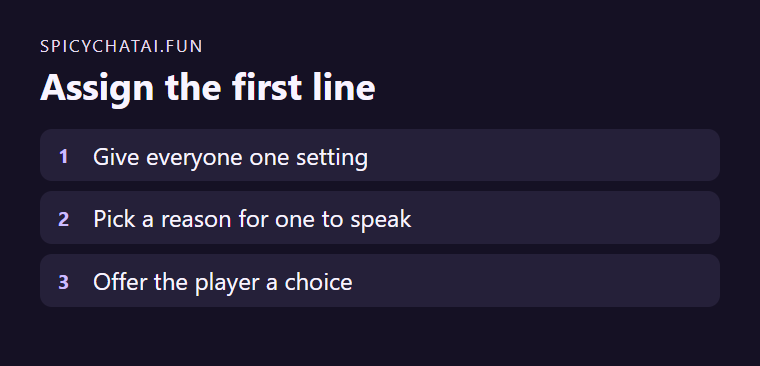
SpicyChat’s Group Chat guide separates the shared Scenario from the greeting and allows choosing a speaker for the opening. Set the common situation first. Then give one adult fictional character a reason to speak before everyone else.
Put the shared facts outside the first line
For a group of adult ferry staff, the shared scenario says the storm closed the south pier. The dispatcher opens with “We can use the service dock after a boat clears it. Can you find out when?” Another character can contribute the boat schedule later. The reader knows who asks and what to do.
Check the greeting and the audience
Read the opening with the selected speaker’s name. Keep each character’s expertise distinct. Confirm the group’s visibility before creating it. The guide describes different audience options depending on which characters you add.